How to Use Picture Split: Step-by-Step Tutorial
This walkthrough uses the Picture Split tool.
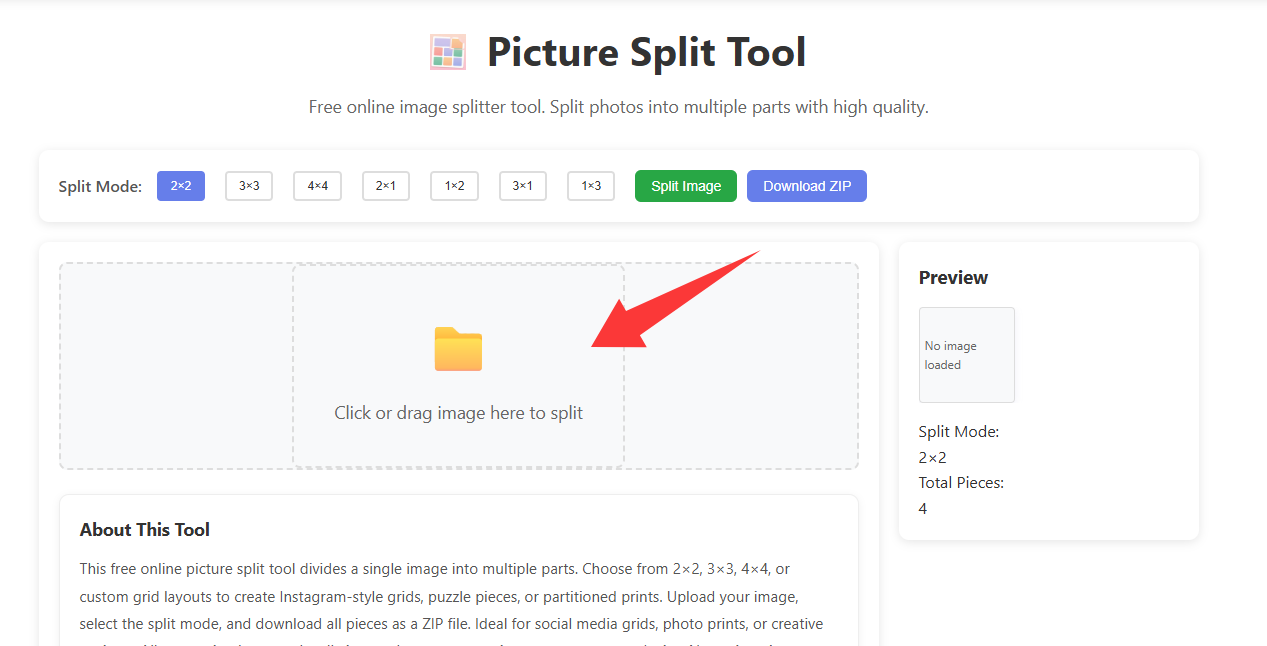
1. Upload the image to split
Open Picture Split and choose an image.
Trim first with Crop Image if needed.
2. Choose the split layout
Select how many pieces to create.
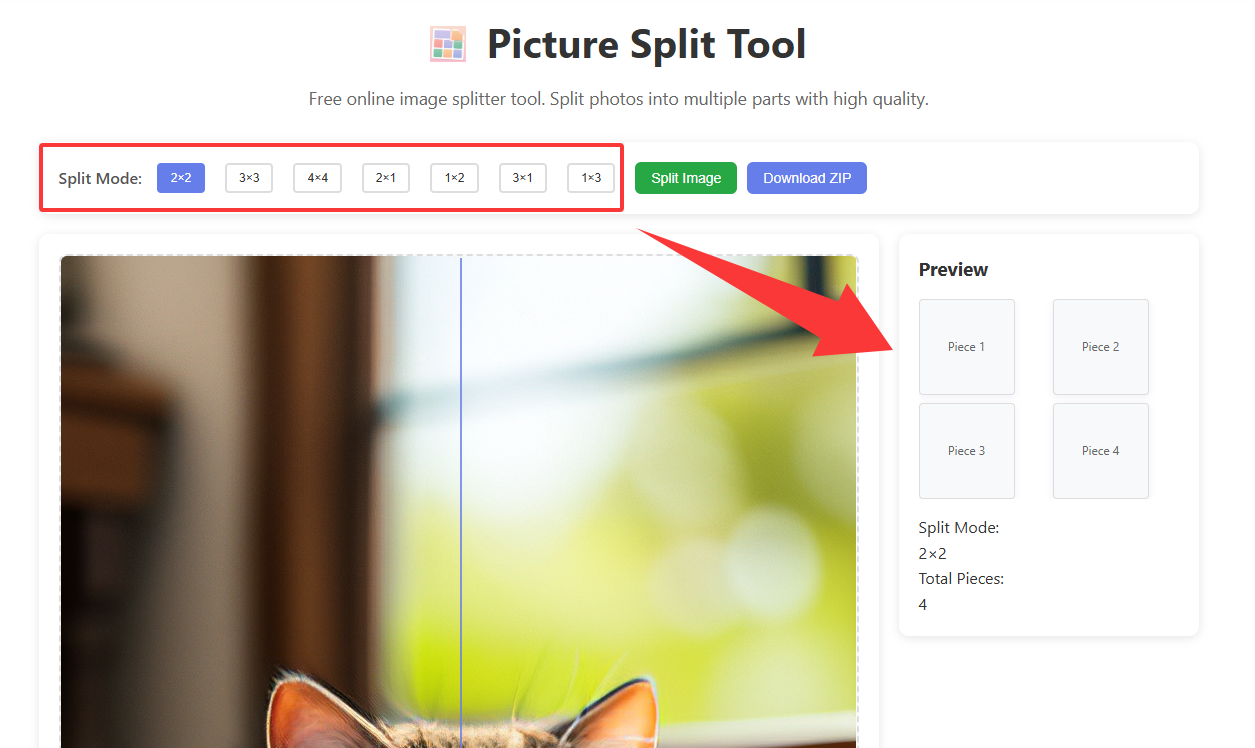
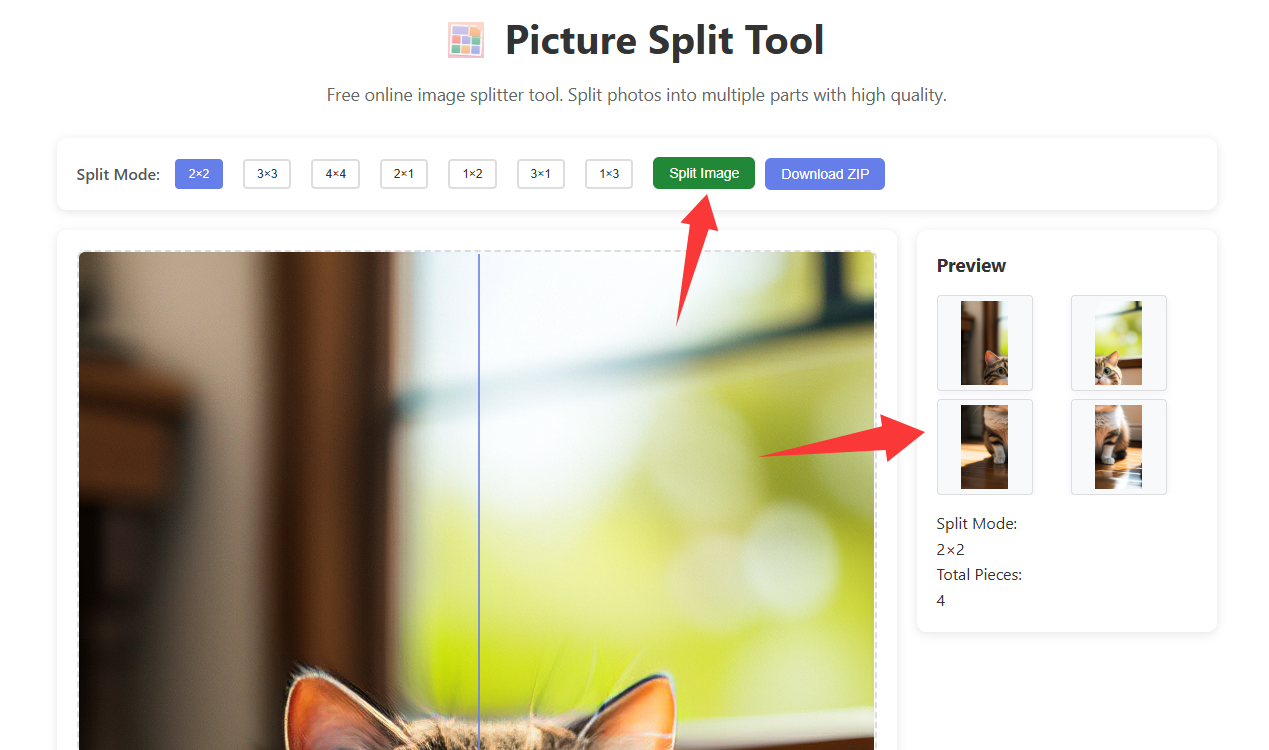
3. Preview the cut lines
Guide lines show where the image will divide; click Split Image to perform the actual split.
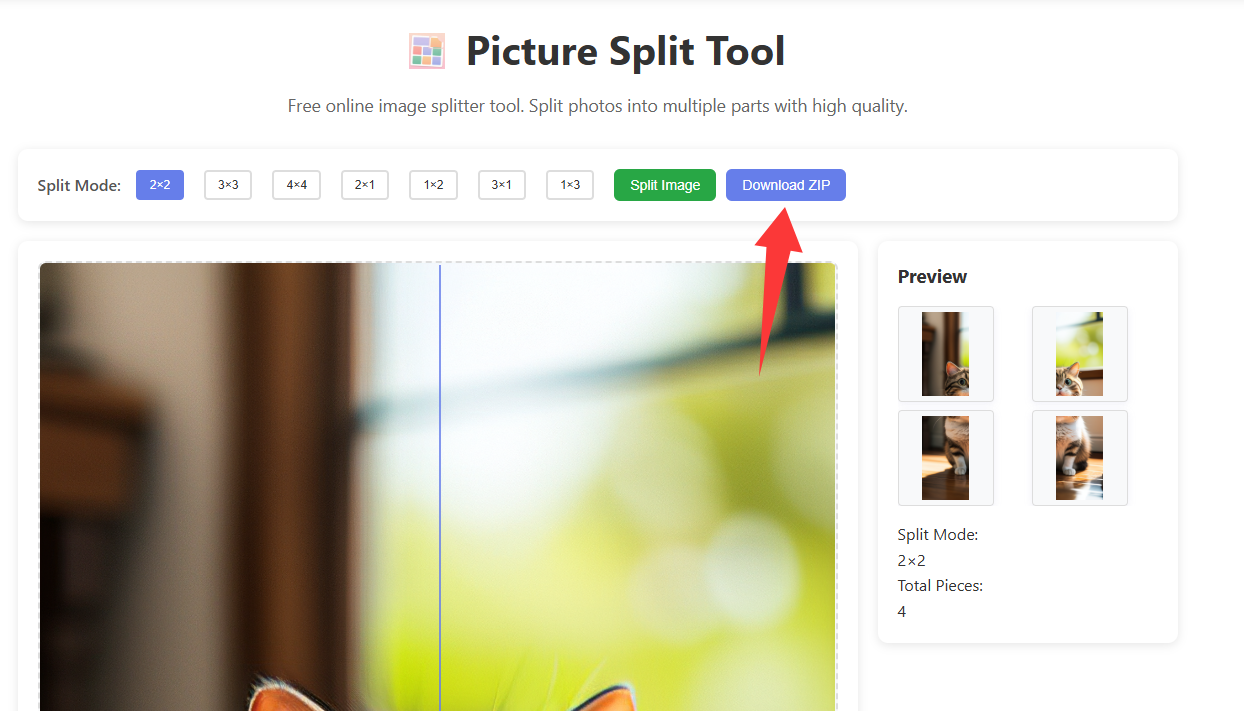
4. Download the ZIP
Save all pieces at once.
5. Example exported tiles
Four tiles from a 2×2 split.



Open Picture Split